Why you need this
Break reminders get dismissed. A notification is a thing you click away without reading. A black hole eating your screen is not. It's impossible to ignore, it's genuinely beautiful, and it ends on its own — you get your break, then your screen comes back exactly as it was.
What makes it different
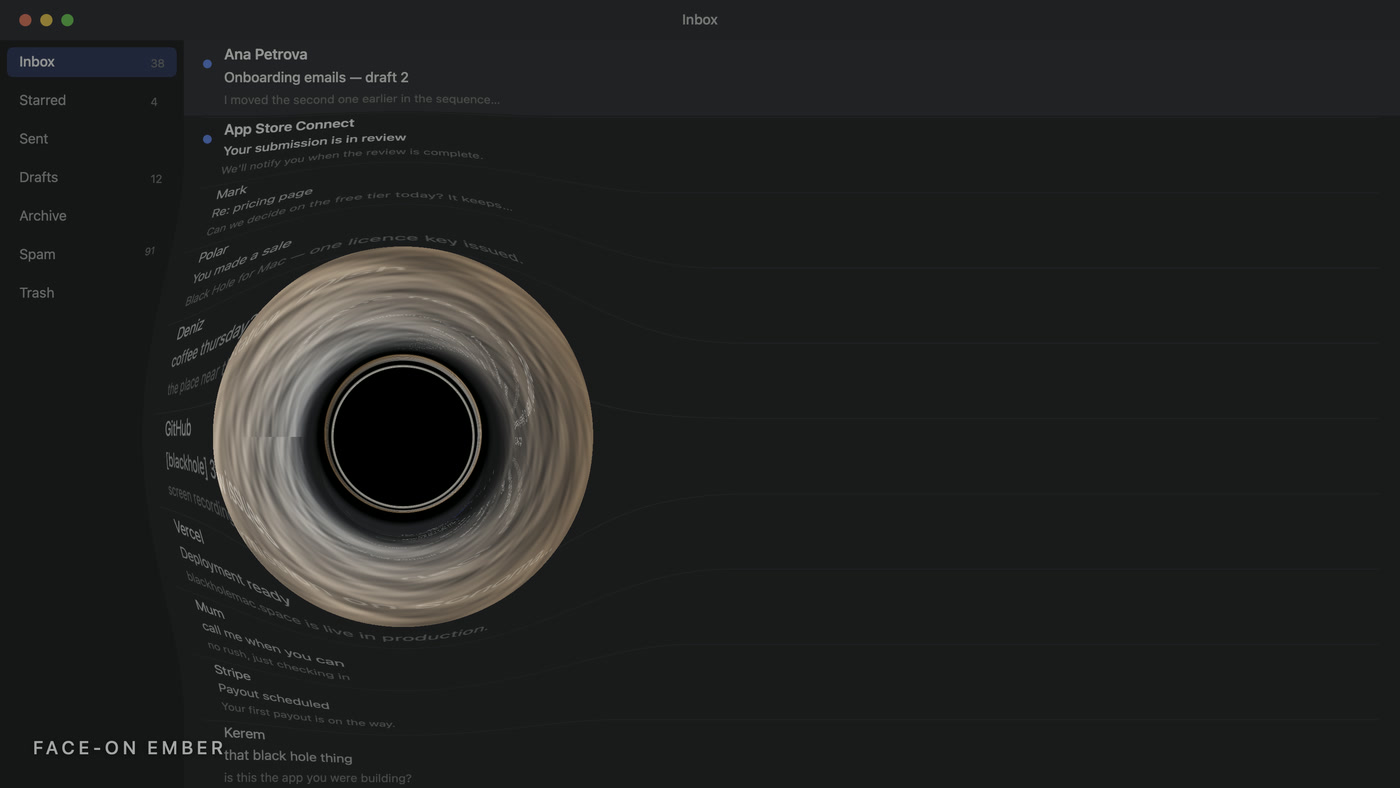
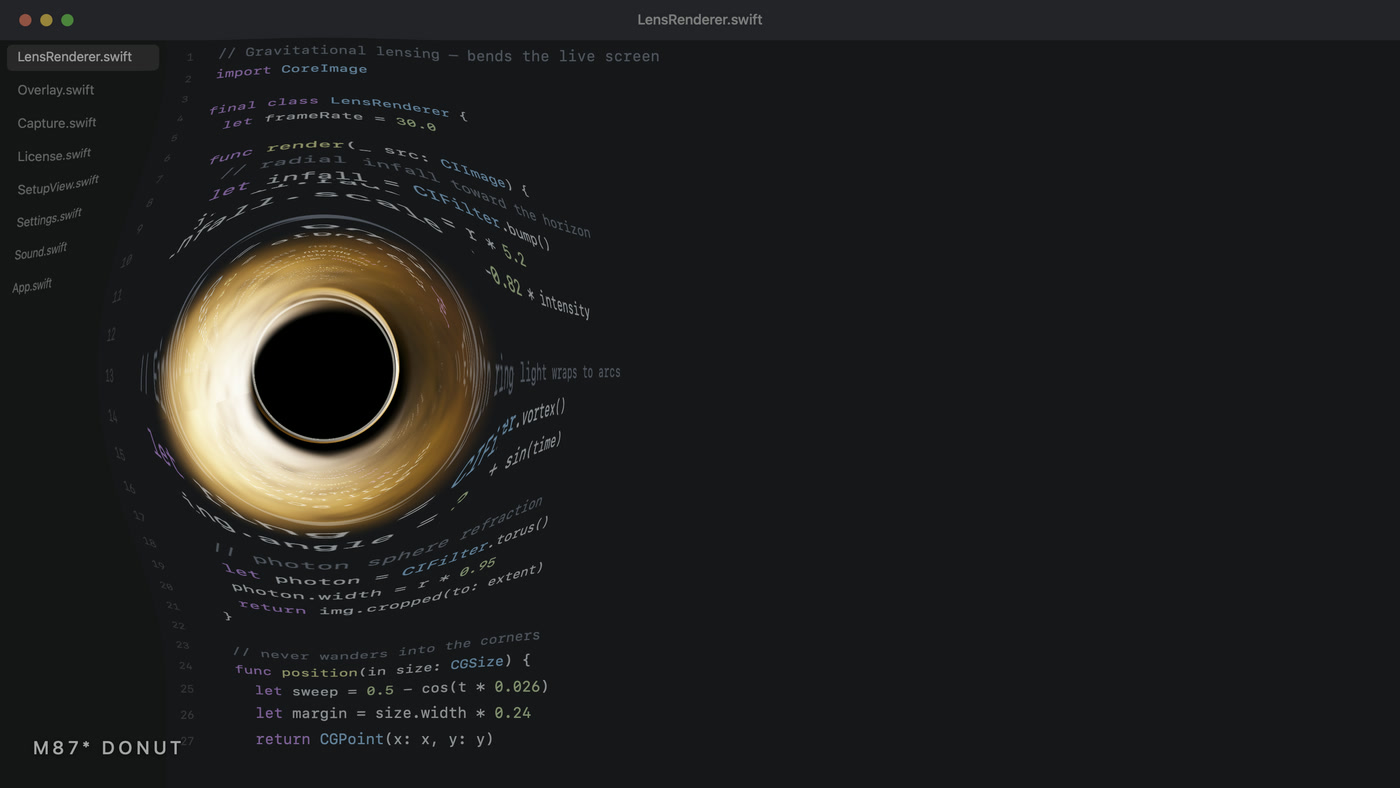
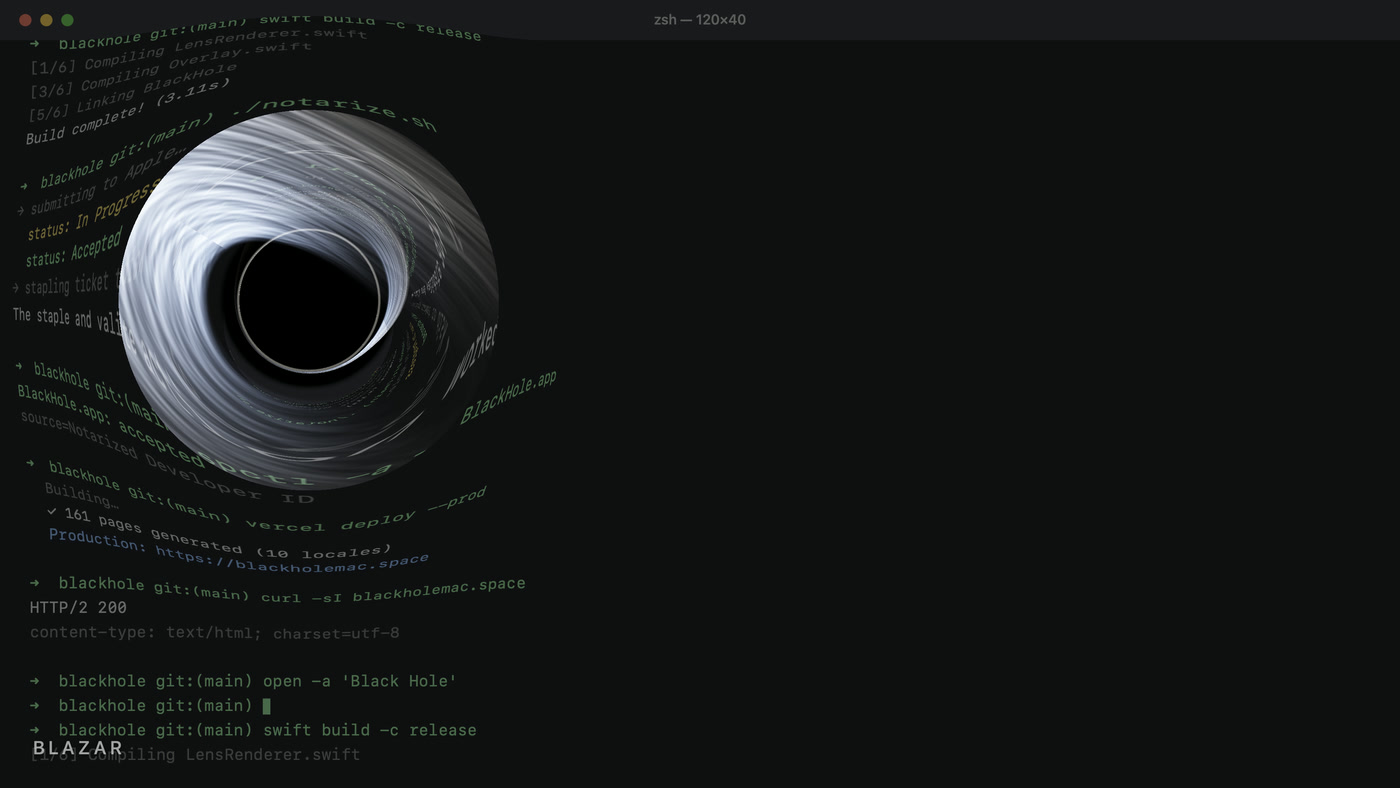
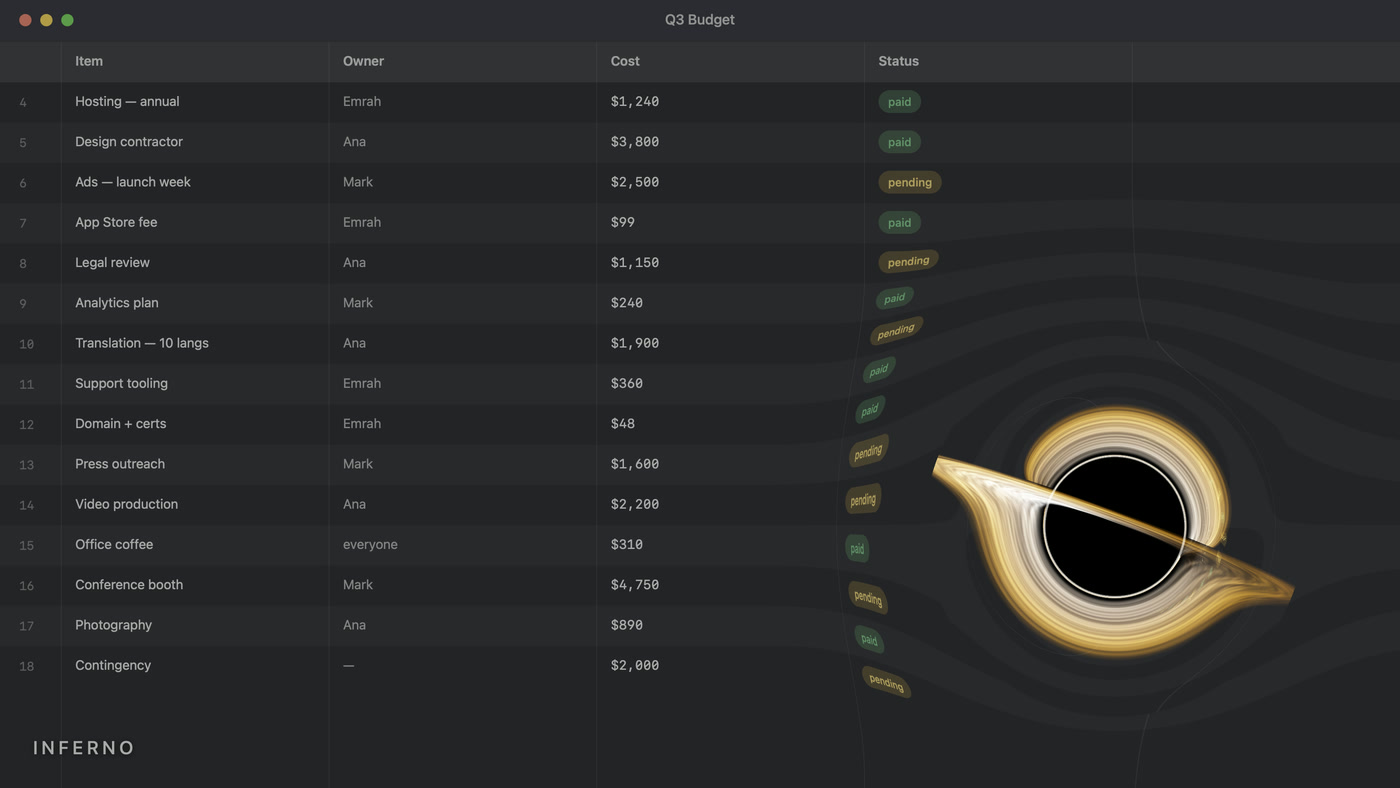
Real gravitational lensing
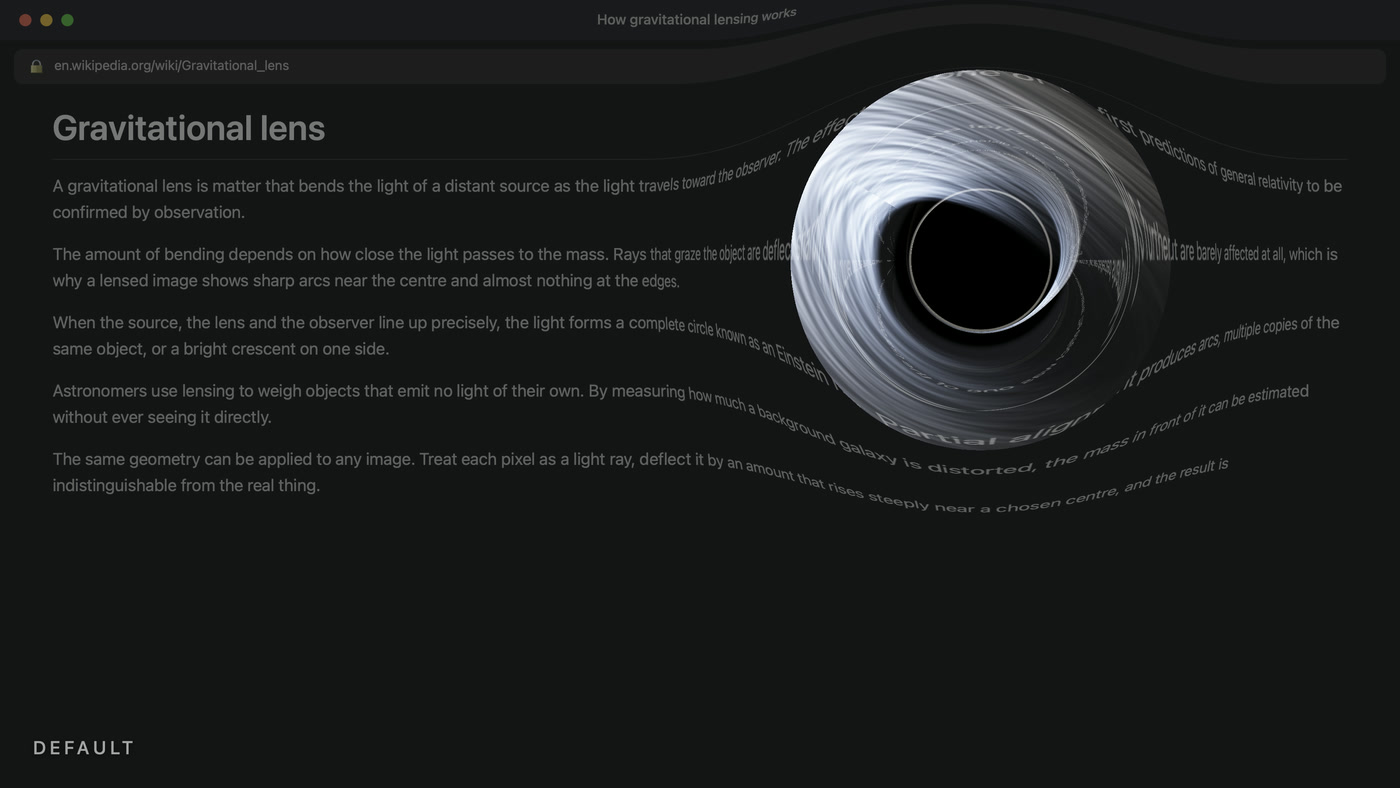
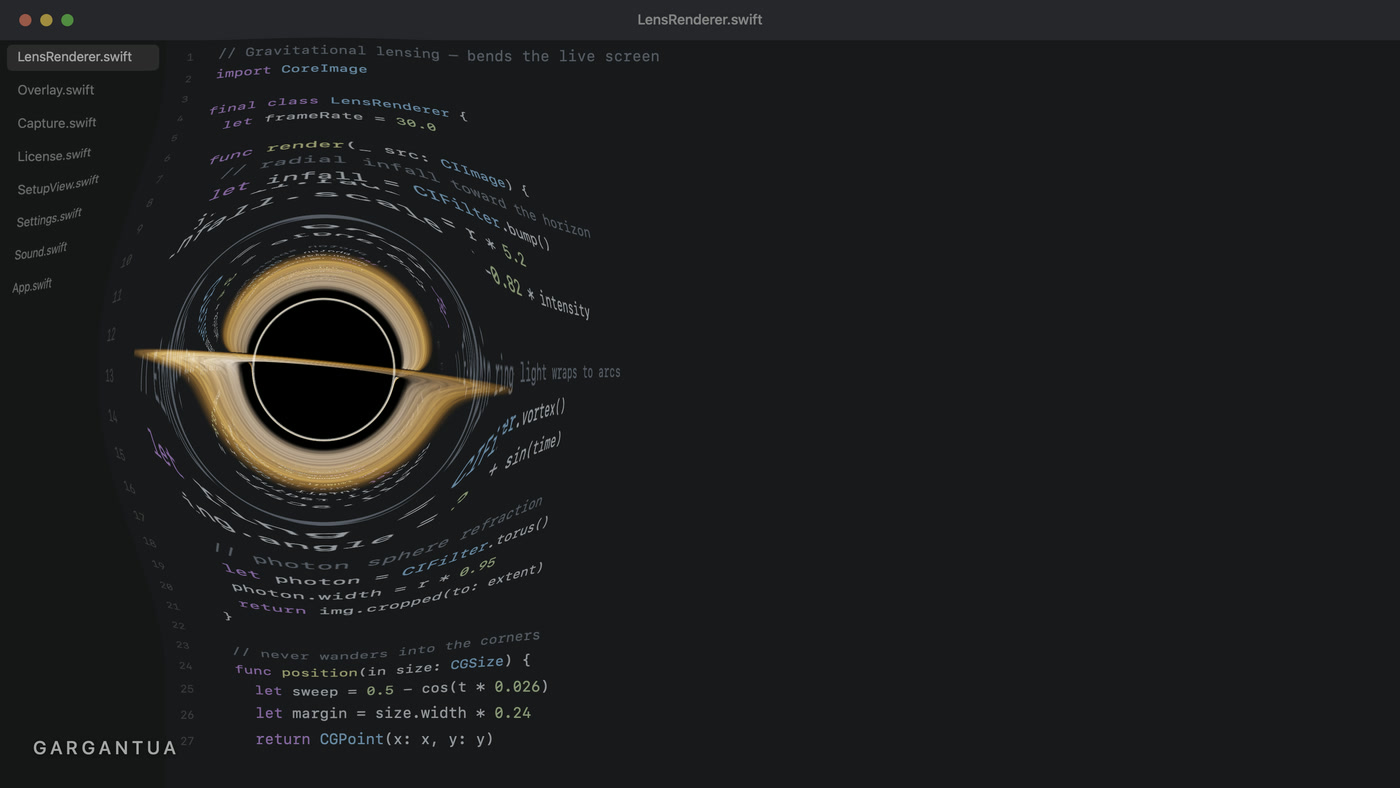
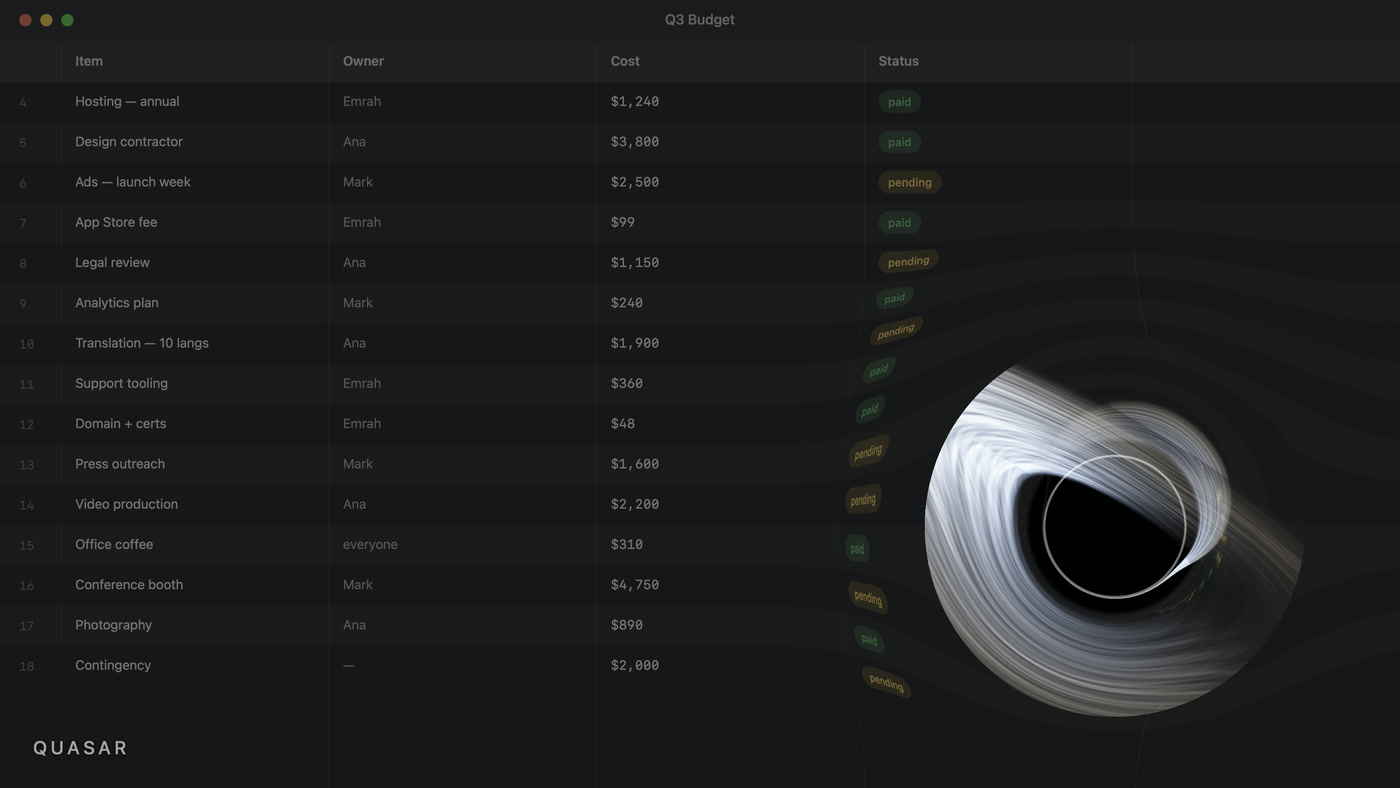
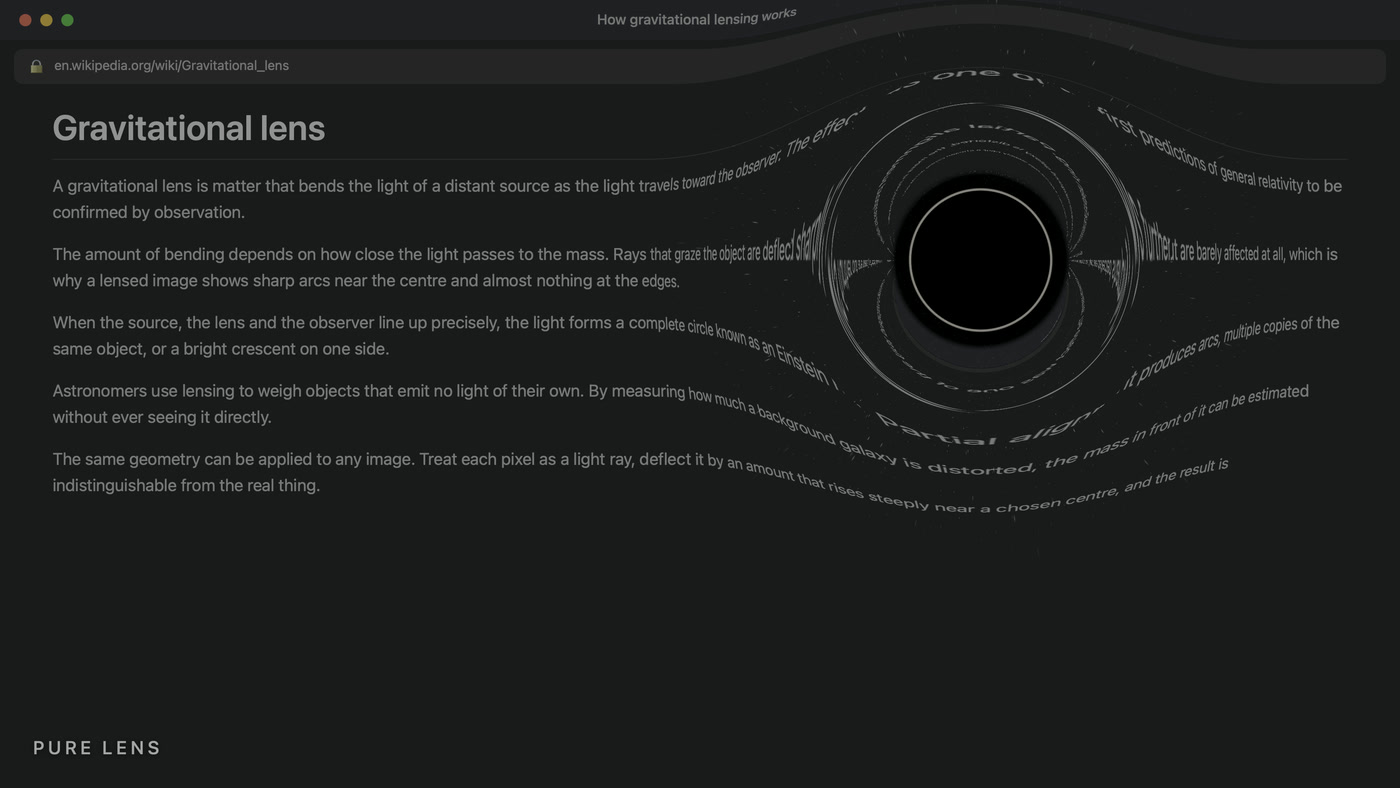
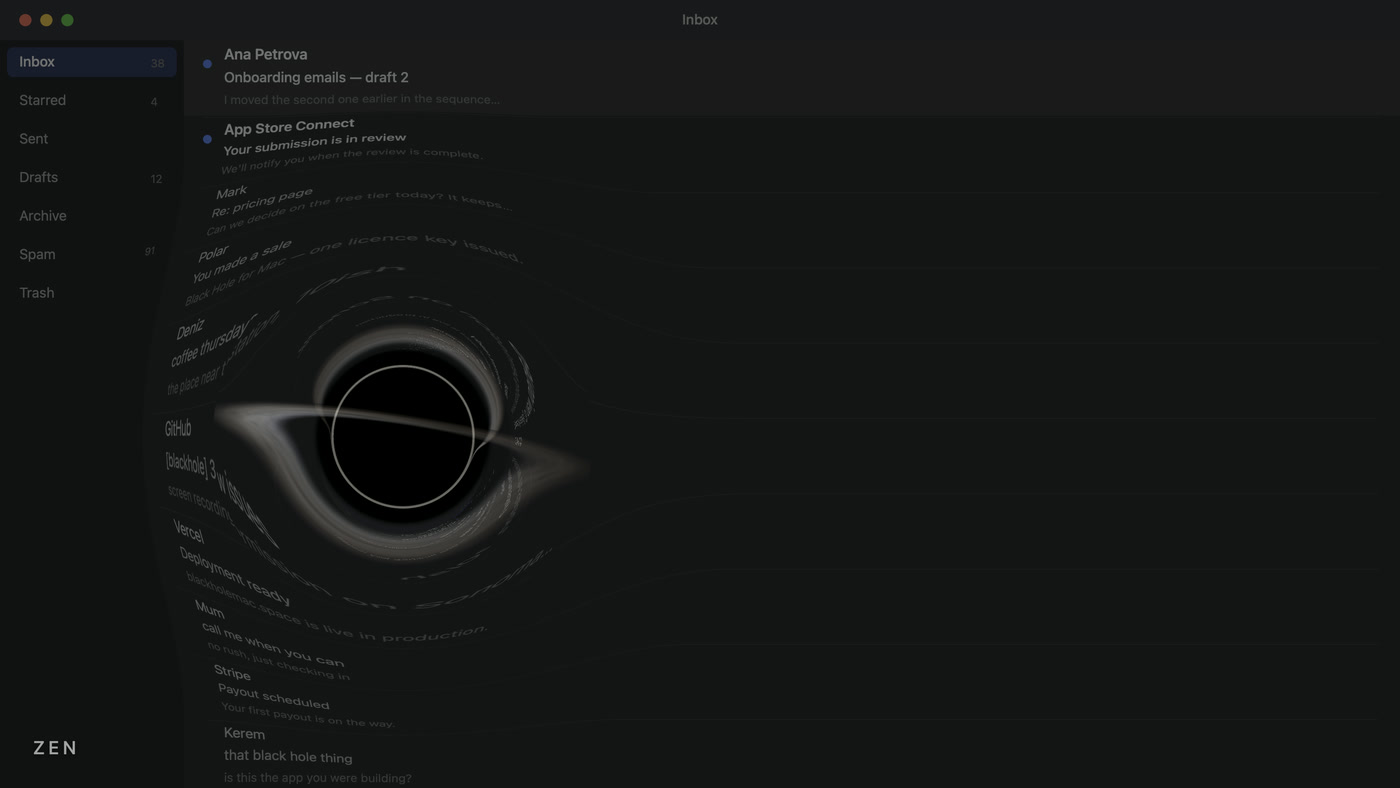
Your actual screen is captured live at 30fps and bent around the event horizon — text curves into arcs, just like light near a real black hole.
It never blocks you
Clicks pass straight through. The hole roams your screen, warps what it passes, and leaves everything untouched behind it.
Deep space sound
A low, seamless rumble fades in as the hole grows. Turn it off any time.
Lives in your menu bar
No dock icon, no window in your way. Set your focus length and forget it.
Doubles as a screensaver
Leave the Mac idle and the black hole takes over on its own. Any key or mouse move brings your desktop straight back.
How it works
Download & install
Drag Black Hole to your Applications folder. It's notarized by Apple — no scary warnings.
Allow Screen Recording
macOS will ask. This is required: without it the black hole can't see your screen and shows up as a plain black circle with no bending.
Buy & enter your key
Get your license key instantly after purchase, paste it into the setup window, and you're unlocked forever.
Important: Black Hole needs Screen Recording permission to bend your screen. Without it you'll only see a plain black circle. macOS asks on first launch — just allow it.
What you get
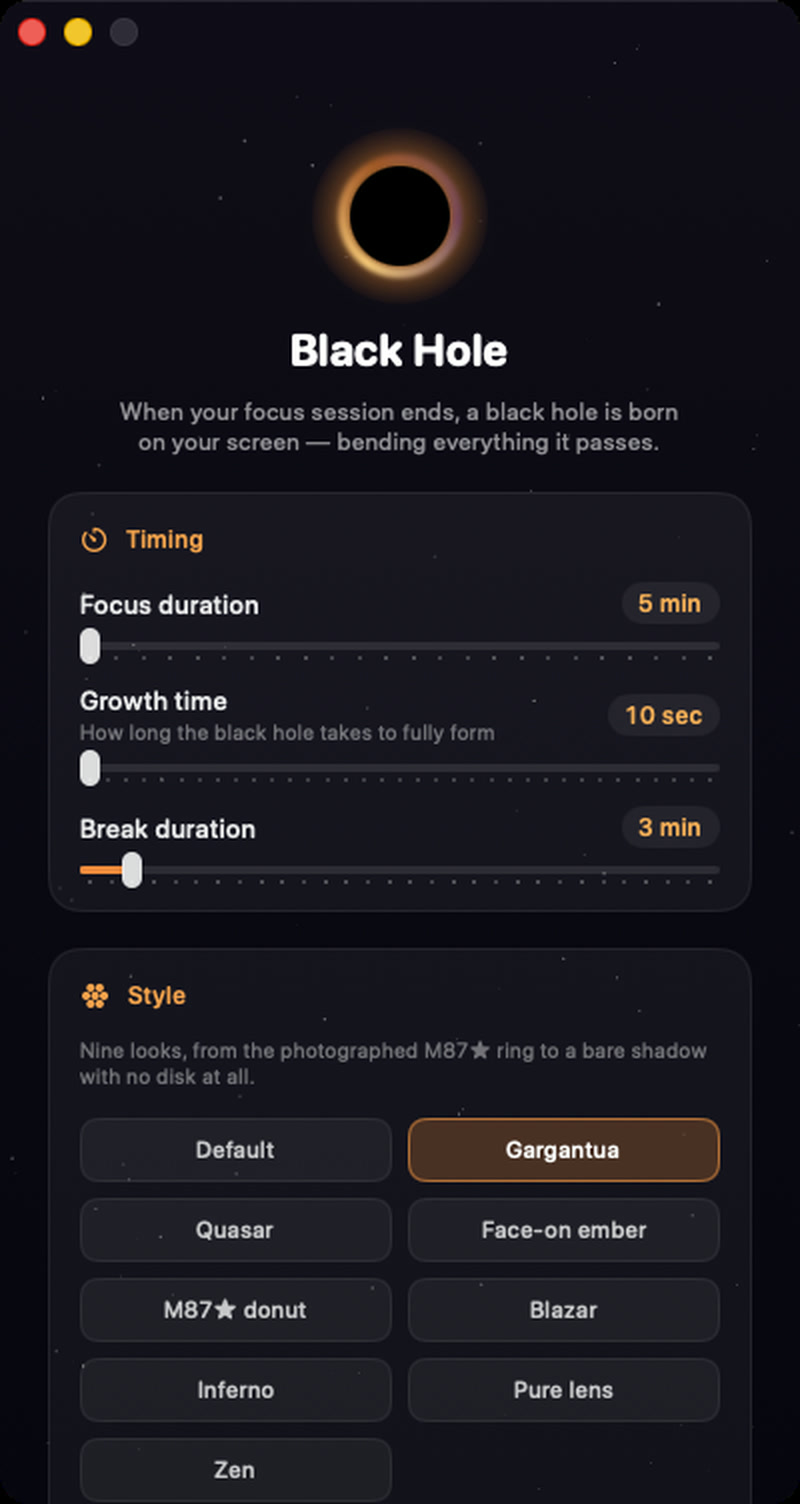
Lives in your menu bar
No dock icon, no window in your way. Set your focus length and forget it.
Real gravitational lensing
Your actual screen is captured live at 30fps and bent around the event horizon — text curves into arcs, just like light near a real black hole.
It never blocks you
Clicks pass straight through. The hole roams your screen, warps what it passes, and leaves everything untouched behind it.
Deep space sound
A low, seamless rumble fades in as the hole grows. Turn it off any time.
Nine looks, one physics engine
Every style is the same ray-traced Schwarzschild lens — only the accretion disk changes. Pick the one that suits your desk.
Questions
Does it work on Apple Silicon?
Yes — Apple Silicon and Intel, macOS 14 Sonoma and later.
Is it a subscription?
No. $4.99 once, yours forever, on one Mac.
Will it interrupt my work?
It won't block anything — clicks and keys pass straight through. It's a visual break reminder, not a lock screen.
Why does it need Screen Recording?
To bend your screen it has to see your screen. Nothing is ever recorded, saved, or sent anywhere — the frames stay on your Mac and are thrown away instantly.
Can I turn the sound off?
Yes, one toggle in Settings.
Do you have a multi-Mac option?
Yes — the Family Pack is $9.99 for three activations. One key, three Macs, whether they're all yours or shared with the people you live with.
Can I use it as a screensaver?
Yes. Screen saver mode is in Settings: leave the Mac idle — five minutes by default — and the black hole takes over. Any key or mouse move ends it, and that first keystroke is swallowed so it never lands in your work.
Everything is unlocked for three days from the first launch — focus sessions, screen saver mode, all nine styles. No account, no card, nothing to cancel. Buy when the trial ends, or don't.
Download for Mac