为你的 Mac 打造的专注计时器。

工作 25 分钟。计时结束时,一个黑洞在你的屏幕上诞生——它漂过桌面,扭曲经过的一切,休息结束后消失。点击可以直接穿过。

下载 Mac 版
macOS 14 或更高 · Apple Silicon 和 Intel · 3 MB · $4.99

为什么需要它

休息提醒总被忽略。通知是你没读就关掉的东西。而吞噬屏幕的黑洞不是。它无法被忽视,真正美丽,而且会自己结束。

有何不同

真实引力透镜

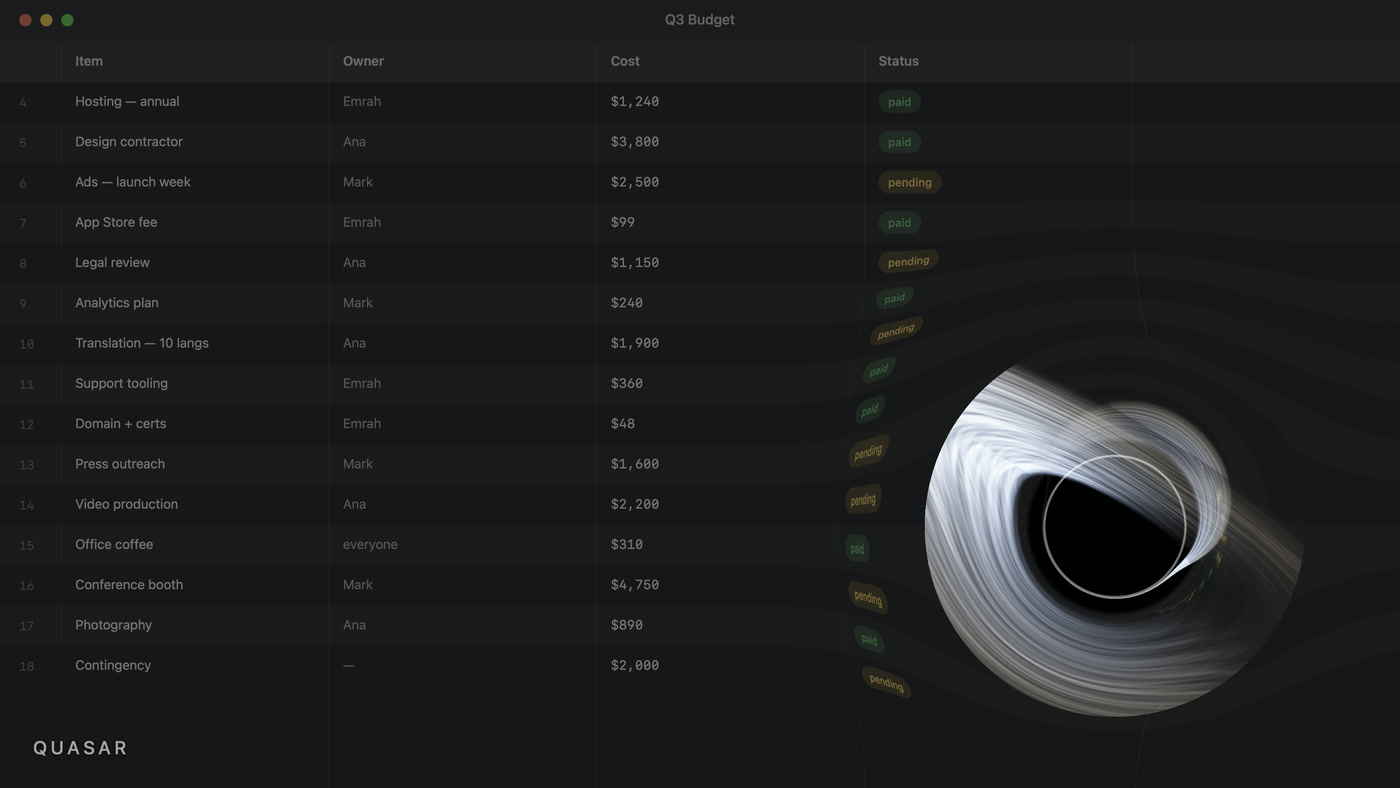
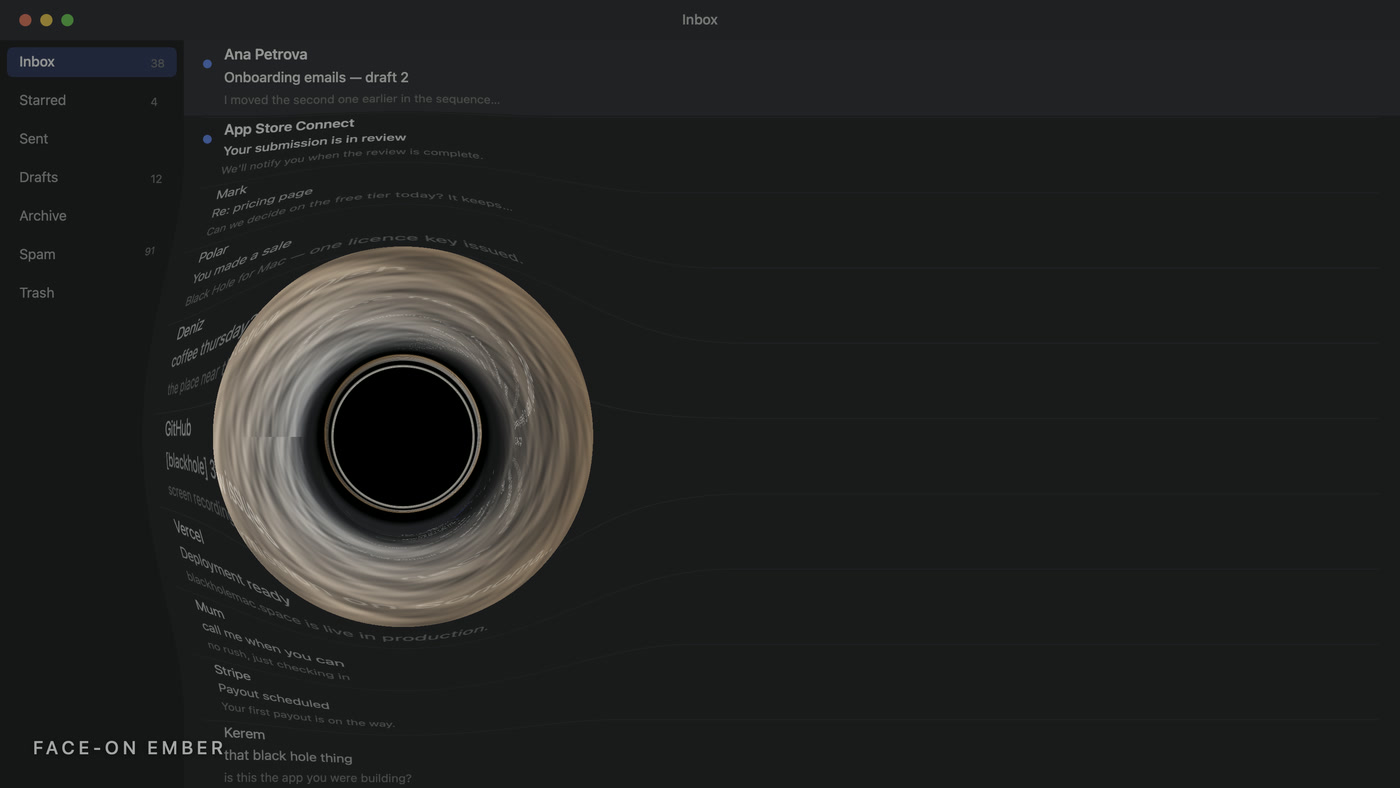
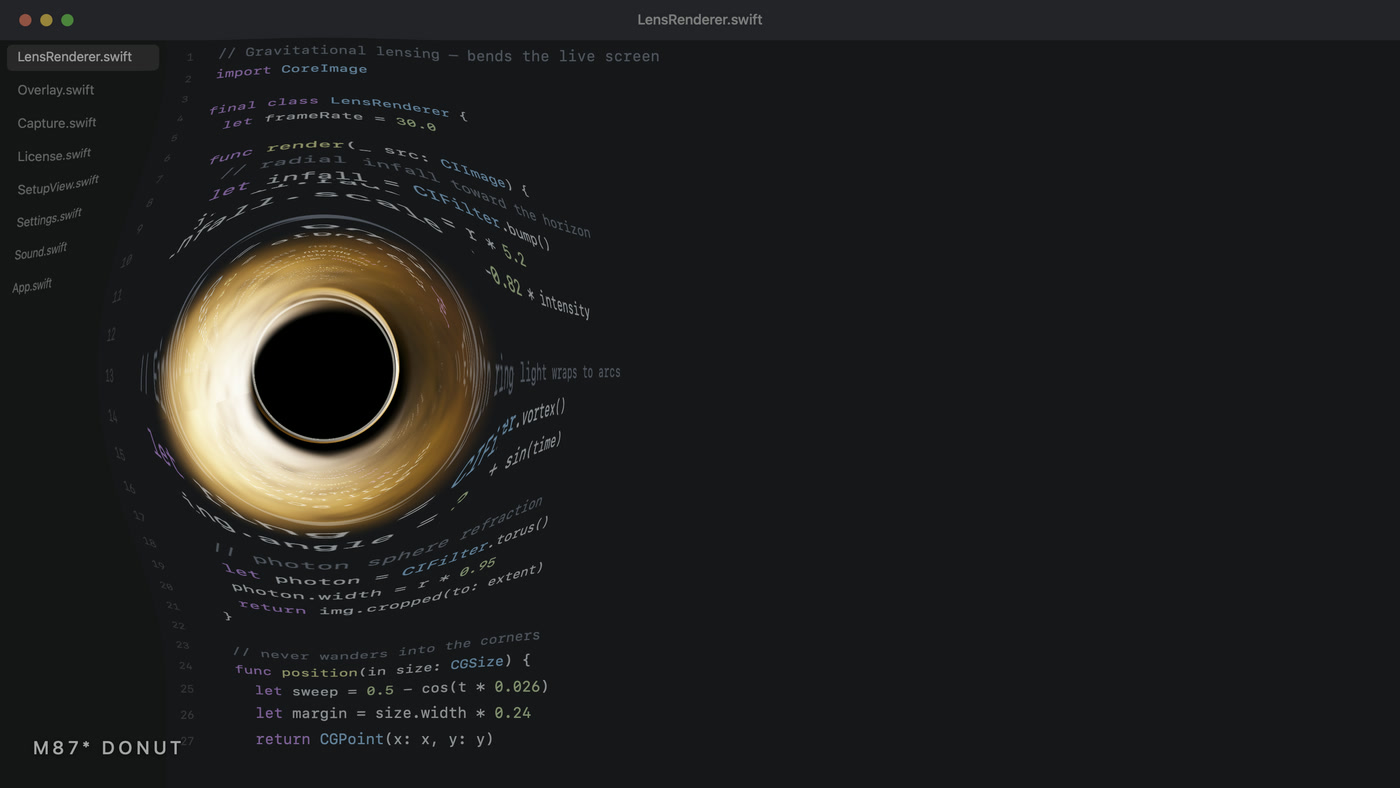
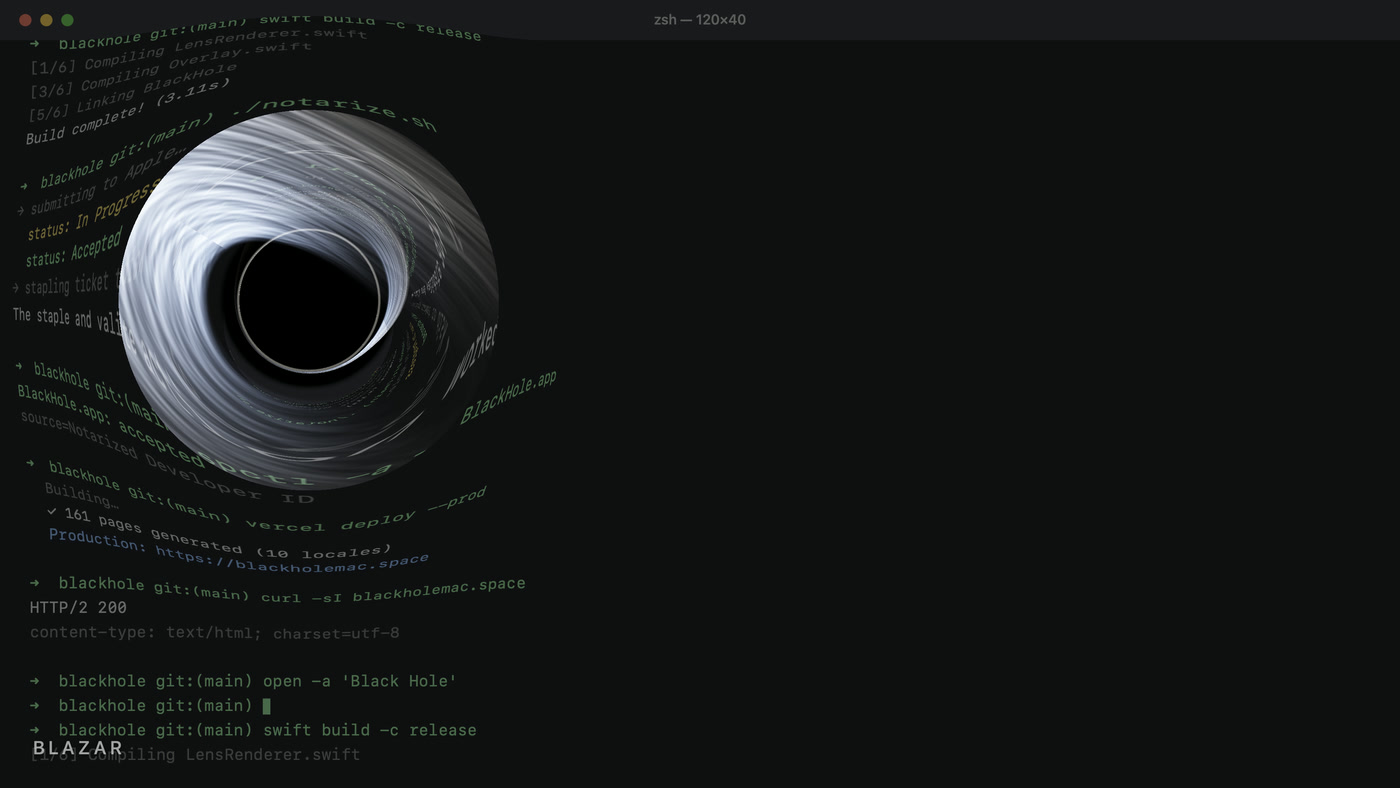
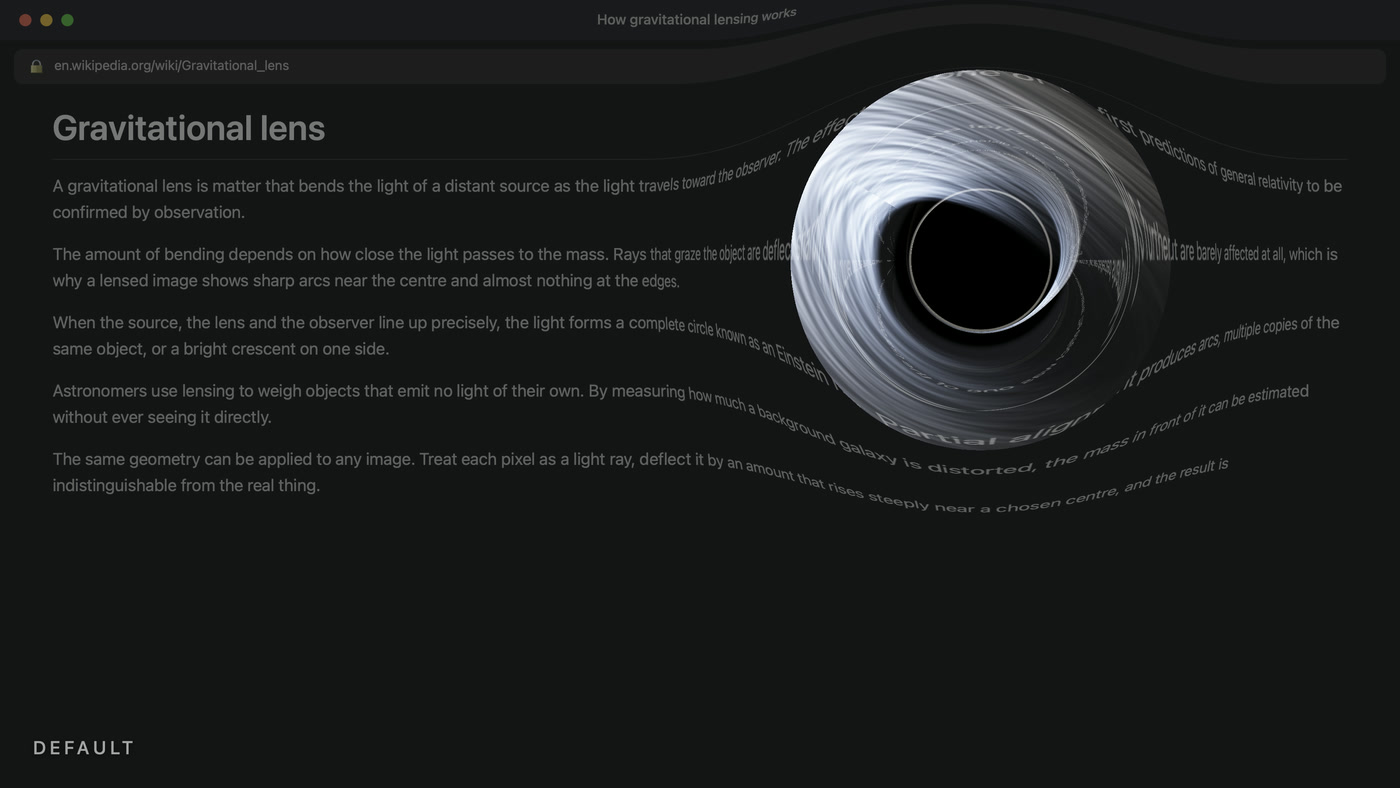
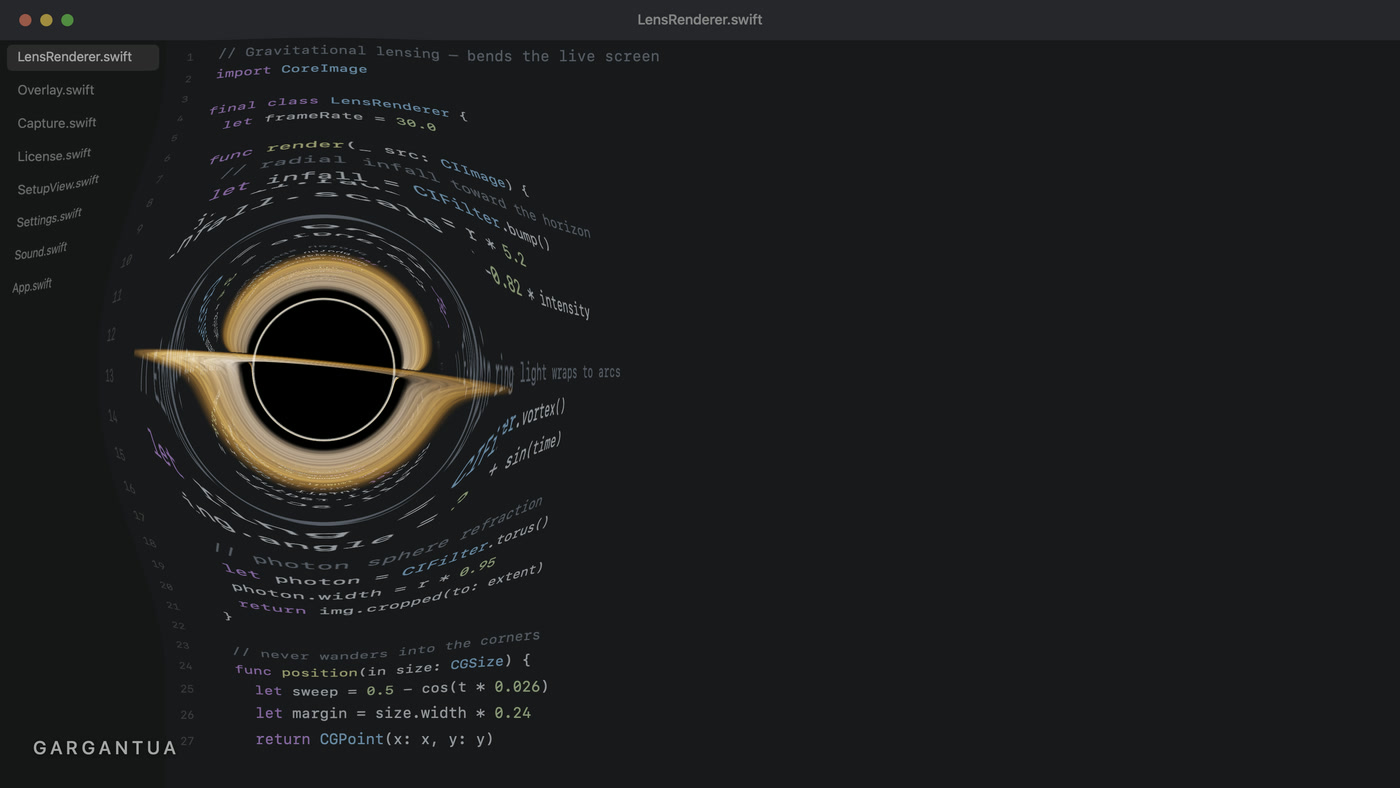
以 30fps 实时捕获你的屏幕,并围绕事件视界弯曲——文字弯成弧线,就像真实黑洞附近的光线。

从不阻挡你

点击可以直接穿过。黑洞在屏幕上漫游,扭曲经过之处,身后不留痕迹。

深空音效

随着黑洞变大,低沉无缝的轰鸣渐强。随时可关闭。

常驻菜单栏

没有 Dock 图标,没有碍事的窗口。设置好时长就忘了它。

如何使用

01

下载并安装

将 Black Hole 拖入应用程序文件夹。已通过 Apple 公证——不会有吓人的警告。

02

允许「屏幕录制」权限

macOS 会询问。这是必需的:没有权限黑洞看不到你的屏幕,只会显示为一个纯黑圆圈。

03

购买并输入密钥

购买后立即获得许可密钥。粘贴到设置窗口,即可永久解锁。

重要:Black Hole 需要「屏幕录制」权限才能扭曲你的屏幕。没有它你只会看到一个纯黑圆圈。首次启动时 macOS 会询问——允许即可。

包含什么
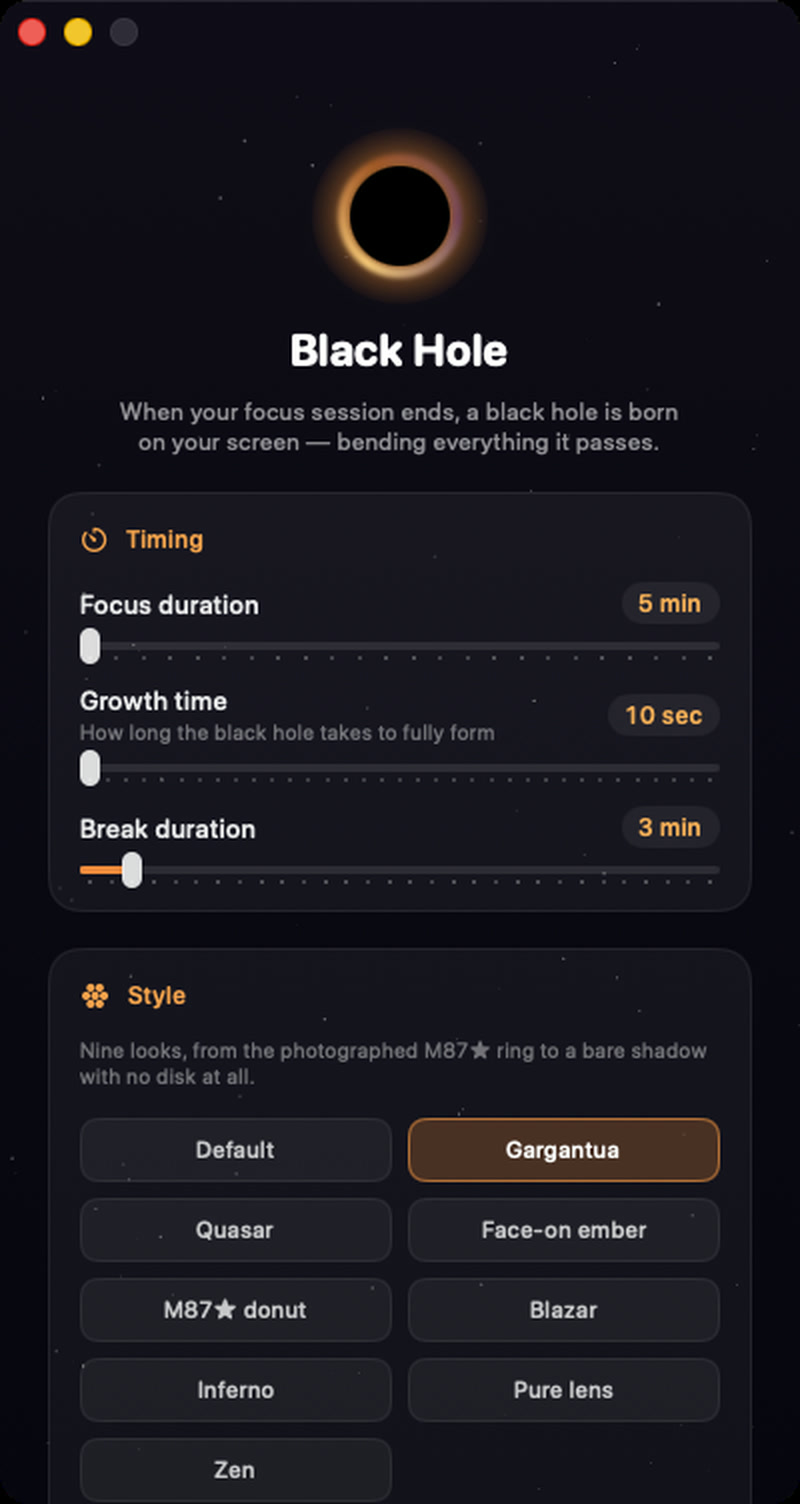
The Black Hole settings window on macOS — focus duration, growth time and break duration sliders, and nine visual styles

常驻菜单栏

没有 Dock 图标,没有碍事的窗口。设置好时长就忘了它。

真实引力透镜

以 30fps 实时捕获你的屏幕,并围绕事件视界弯曲——文字弯成弧线,就像真实黑洞附近的光线。

从不阻挡你

点击可以直接穿过。黑洞在屏幕上漫游,扭曲经过之处,身后不留痕迹。

深空音效

随着黑洞变大,低沉无缝的轰鸣渐强。随时可关闭。

Nine looks, one physics engine

Every style is the same ray-traced Schwarzschild lens — only the accretion disk changes. Pick the one that suits your desk.
Gargantua
M87★ donut
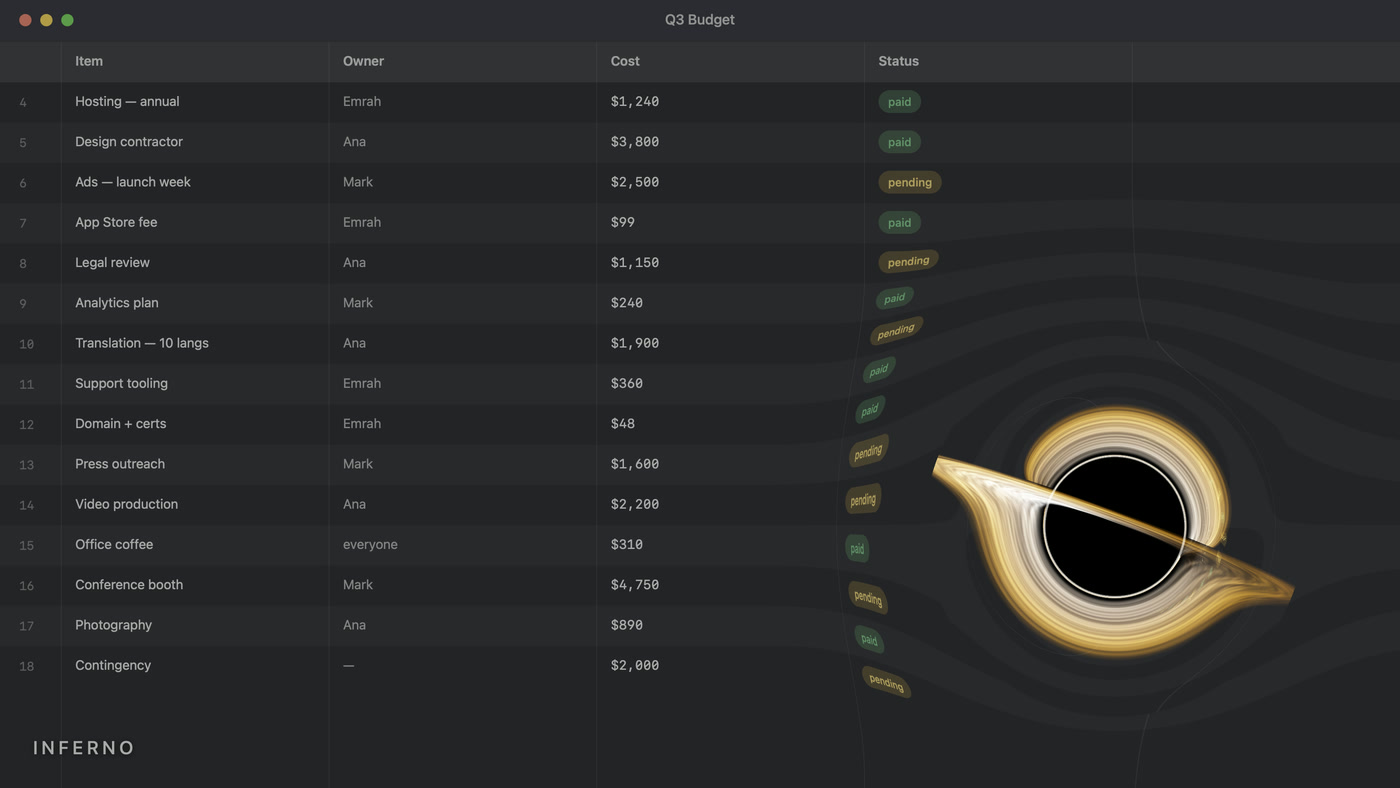
Inferno
Black Hole for Mac in the Default style — the balanced accretion disk seen at a shallow angle
Default
Black Hole for Mac in the Gargantua style — a thin bright disk seen almost edge-on, wrapping over and under the event horizon
Gargantua
Black Hole for Mac in the Quasar style — a hot blue-white disk, wide and heavily Doppler-beamed
Quasar
Black Hole for Mac in the Face-on ember style — the disk seen from above, glowing warm orange
Face-on ember
Black Hole for Mac in the M87★ donut style — the photographed black hole — a smooth orange ring of light
M87★ donut
Black Hole for Mac in the Blazar style — an extremely hot, fast and wide disk at 18,000 Kelvin
Blazar
Black Hole for Mac in the Inferno style — a dense molten disk with thick filaments, seen edge-on
Inferno
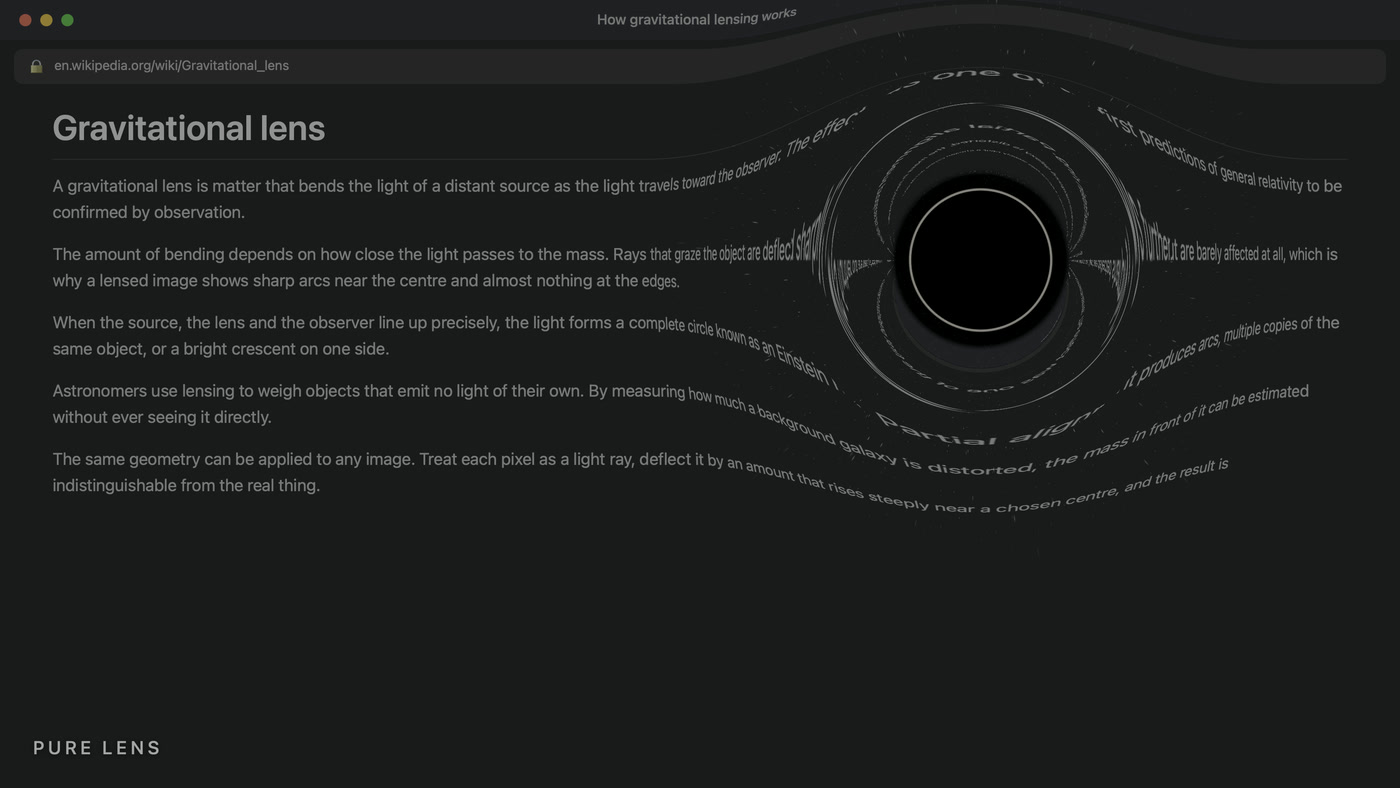
Black Hole for Mac in the Pure lens style — no disk at all — just the shadow, the photon ring and bent starlight
Pure lens
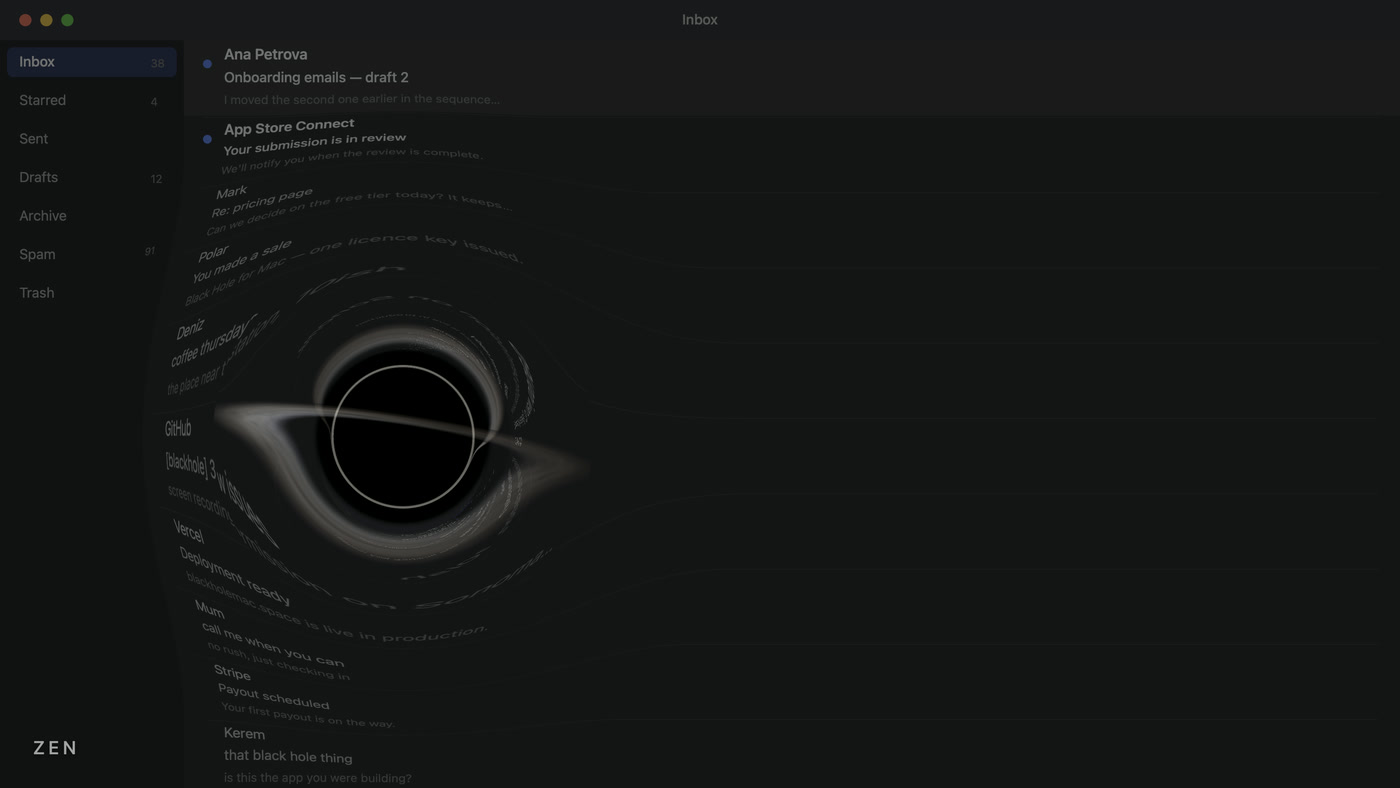
Black Hole for Mac in the Zen style — a dim, slow disk that stays out of the way while you work
Zen

常见问题

支持 Apple Silicon 吗?

支持 — Apple Silicon 和 Intel,macOS 14 Sonoma 及更高版本。

是订阅制吗?

不是。$4.99 一次性,永久拥有,一台 Mac。

会打断我的工作吗?

不会阻挡任何操作——点击和按键直接穿过。它是视觉提醒,不是锁屏。

为什么需要屏幕录制权限?

要扭曲屏幕就必须看到屏幕。不会录制、保存或上传任何内容。

可以关闭声音吗?

可以,设置里一个开关。

有多台 Mac 的方案吗?

有 — 家庭包 9.99 美元,包含三次激活。一个密钥,三台 Mac。

购买前先试用

在应用内运行 5 秒演示——无需许可。你会准确看到它在你自己屏幕上的效果。

下载 Mac 版
一次性付费。无订阅。终身许可。